You have an idea for a community website. Maybe you want a place where neighbors can share local events, a hub for a professional organization, a resource center for your community, or simply an online space where people with shared interests can connect. The challenge is figuring out how to take that idea and turn it into a website people can actually use.
Building a website used to mean hiring a developer, choosing a technology stack, creating designs, writing code, setting up databases, and spending weeks or months getting everything ready. Tools like Lovable are changing that process by allowing you to describe what you want to build using everyday language and then use AI to help create it. You still need a good idea and a solid plan, but you no longer have to start with code.
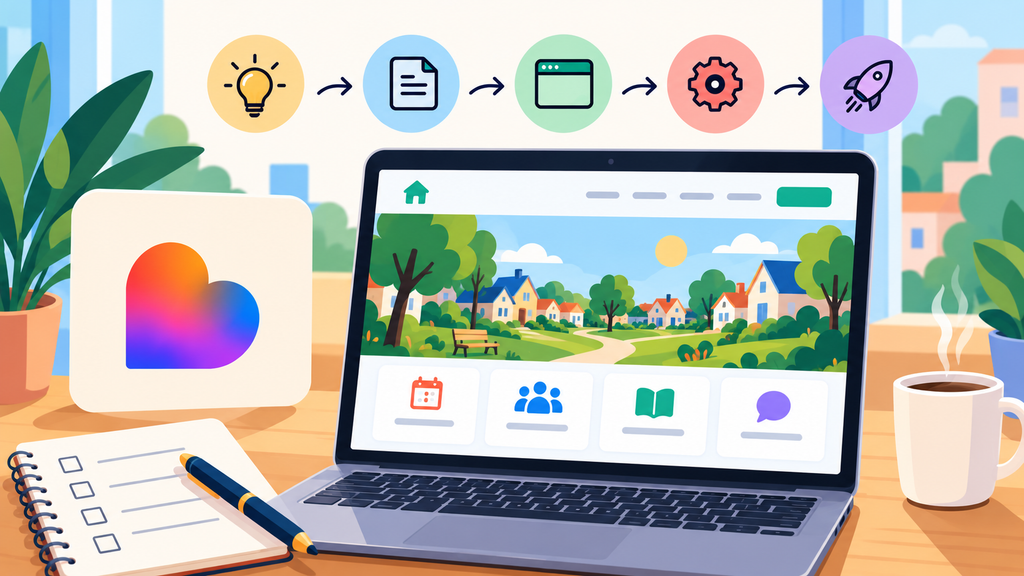
Here is a simple five step process for taking your community website from idea to launch using Lovable.
1. Discover Your Idea
Before you start building, think about the purpose of your community website. Ask yourself what you want people to be able to accomplish when they visit. Maybe you want members to create profiles, discover events, read announcements, find local resources, connect with other members, or submit information to community leaders.
It can be tempting to start with a long list of features, but your first version does not need everything. Identify the three or four things that will make the website valuable to your community immediately. For example, a neighborhood website might begin with a homepage, community directory, events calendar, local resources, and a simple way for residents to submit information. You can always add more features later.
2. Map Your Plan
Once you know what you want to build, create a simple map of the website. Think about the pages visitors will need and what they should be able to do on each page. A community website might include Home, About Our Community, Community Directory, Events, Local Resources, News and Updates, and Contact.
You should also think about the different people who will use the site. Will anyone be able to view everything, or will certain areas require an account? Will community members be able to submit events? Will an administrator need to approve content before it appears? If members create profiles, decide what information you actually need to collect. Keeping this simple at the beginning will make the site easier to build and easier for people to use.
You do not need to create a massive technical specification before getting started. You simply need a clear enough plan that you can explain to Lovable what you want the website to accomplish.
3. Build Your Site with Lovable
Now you can start turning the plan into an actual website. Instead of beginning with code, describe the website you want Lovable to create. Be specific about the purpose of the site, the people who will use it, the pages you need, and the overall feeling you want the site to have.
For example, you could ask Lovable to create a welcoming community website where residents can discover local events, find community resources, read neighborhood news, and connect with other residents. You could also specify that the design should feel friendly and modern, have simple navigation, and work well on phones and tablets.
Rather than trying to create the entire site perfectly with one prompt, build it in pieces. Start with the homepage and make sure the overall look and navigation feel right. Then work on the community directory, events, resources, and other features. Review each part as you go and tell Lovable what you want changed. This gives you much more control over the final result.
4. Polish and Refine
Once the main website is working, spend time using it the way a real community member would. Click the buttons, fill out the forms, open the website on your phone, submit an event, search for information, and move between pages. Look for anything that feels confusing, unnecessary, or difficult to use.
This is also the time to make the site feel like your community. Add your logo, colors, photographs, fonts, and real content. Pay particular attention to the homepage because visitors should quickly understand what the community is, who the website is for, and what they can do there.
Ask a few other people to test the site as well. Give them simple tasks, such as finding an upcoming event or locating a community resource, and see whether they can complete those tasks without instructions. Their experience can help you identify things that seemed obvious while you were building the site but may not be obvious to a new visitor.
5. Launch Your Site
Your website does not need to be perfect before you launch it. It needs to work well, provide value, and give your community a reason to come back. Before going live, review your links, forms, spelling, contact information, mobile experience, permissions, and any information that should only be available to members.
Once you are comfortable with the experience, connect your domain and launch the site. Share it with your community and encourage people to use it and provide feedback. What happens after launch can be just as important as what happens before it.
As people begin using the website, you will learn what they actually need. They may ask for discussion groups, volunteer sign ups, business listings, event registration, notifications, private member areas, or features you never considered when you started. Lovable makes it possible to continue improving your site as those needs become clearer.
The goal is not to predict every feature your community might ever want. Start with a strong idea, create a thoughtful plan, build something useful, refine the experience, and get it into the hands of your community. Once it is live, listen to the people using it and let their feedback help guide what you build next.